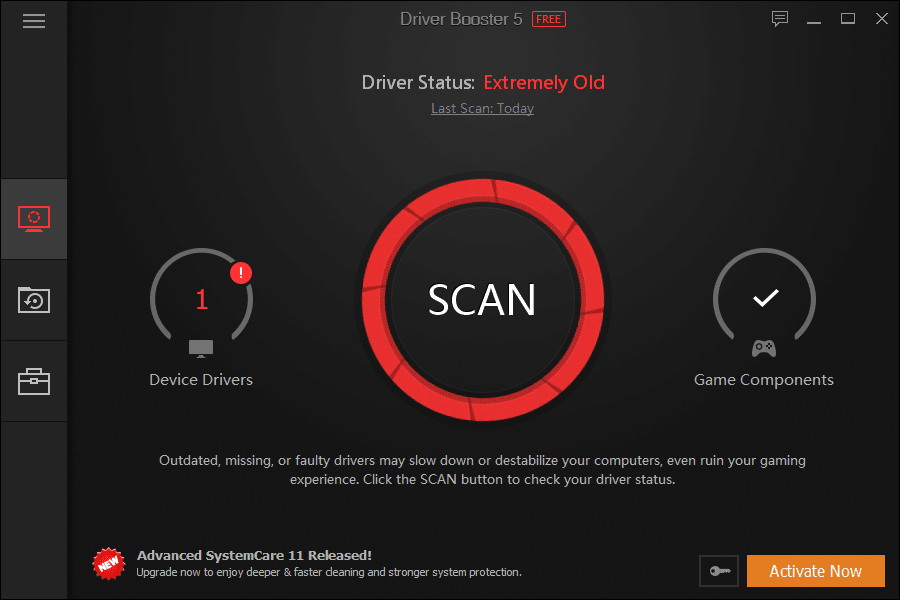
Driver Booster is a program built for Windows that allows you to scan your PC for out-of-date drivers and then install any driver updates with the click of a button.
Troubleshoot PC problems
It's often hard to find the leading cause of a problem on your PC. If you have a suspicion that your issues may be stemming from an outdated driver, you can use this software to scan your PC and get information about any drivers that are currently out of date.
Driver Booster does an excellent job of finding drivers for most hardware components. This includes drivers for your network adapters, audio drivers, and drivers for various features and hardware built into your motherboard, such as your USB input drivers or your onboard graphics.Quick and informative scanning
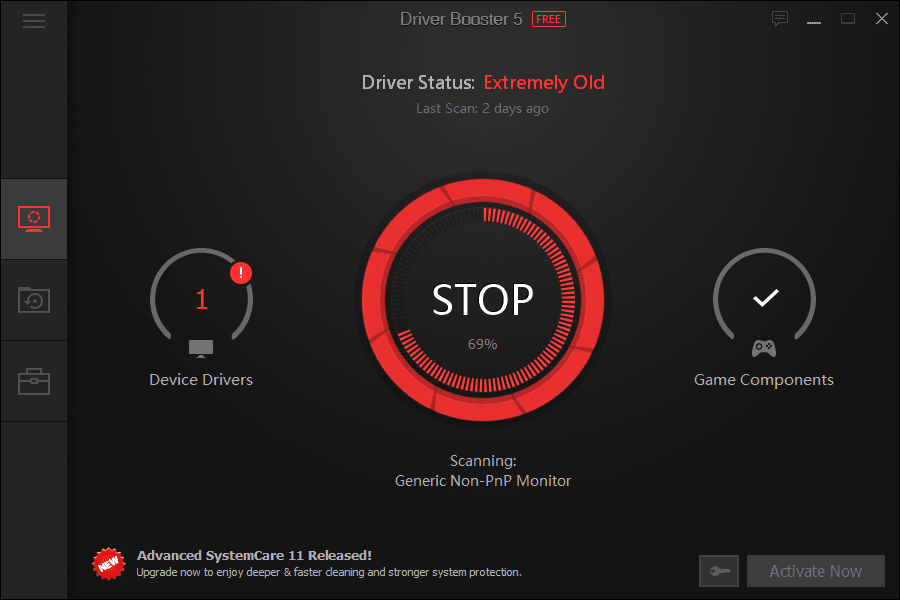
If any drivers on your PC are out of date, Driver Booster detects them with its scan feature. The scan usually only takes around 30 seconds.
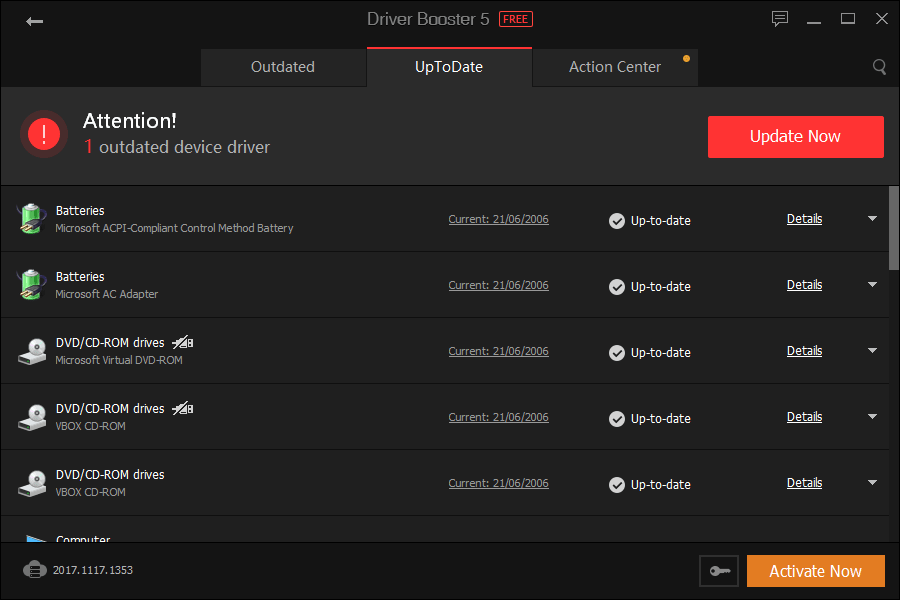
The results of the scan show you which drivers on your PC are up-to-date too. If you're curious whether a PC problem is tied to an outdated driver, using Driver Booster is one of the quickest ways to find out.
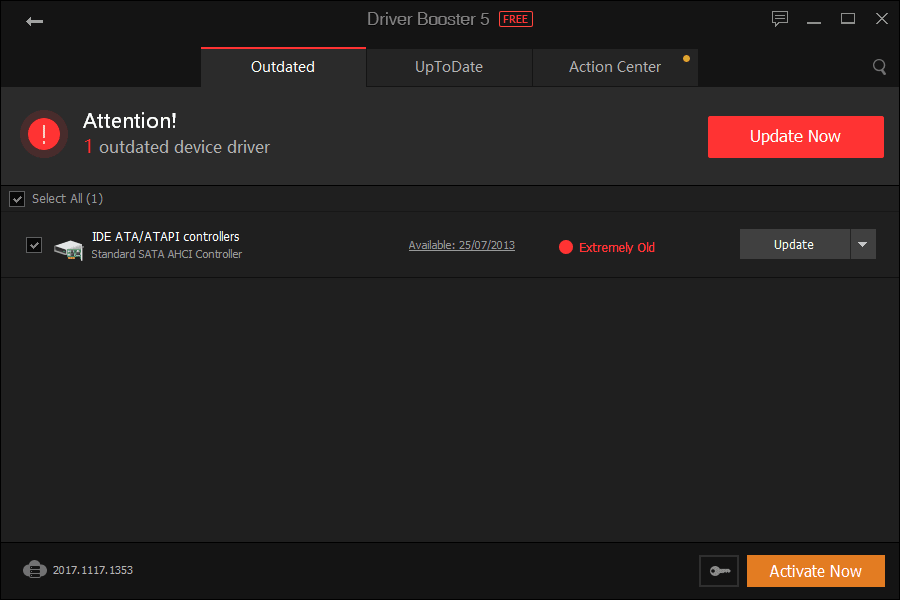
If Driver Booster finds any outdated drivers, it'll also provide some information on how old the drivers are. For example, in our case, it showed that the drivers were 'Extremely Old'. You can then press the 'Update' button, and the newest driver will be automatically installed.Lightweight and easy to remove
The whole process only takes a few minutes. Once you're done, you can then uninstall Driver Booster. Thankfully, the program's footprint on CPU and RAM usage is very low, so you won't notice any performance issues even if you decide to keep it installed on your computer.